Studio Support Stormbreak Squadron
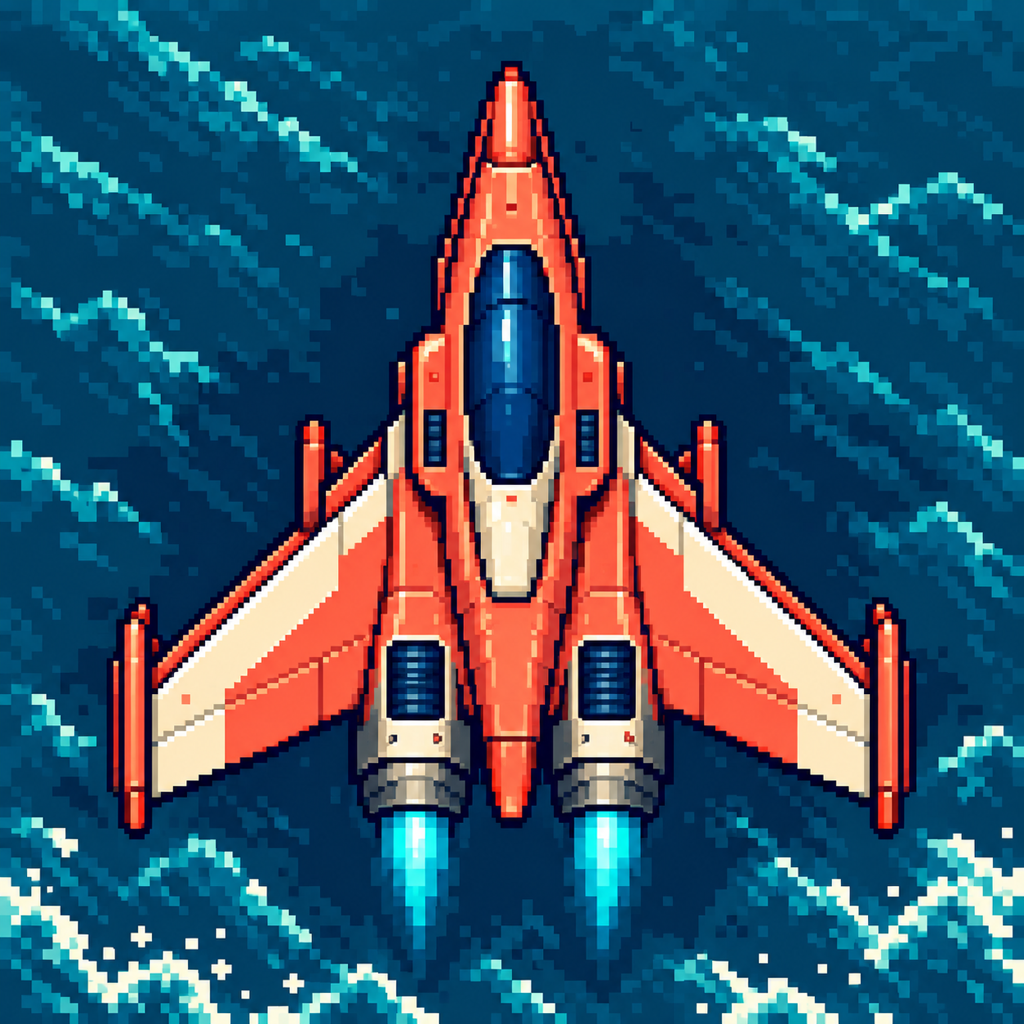
Stormbreak Squadron support
Answers to the questions that come in most often. If yours is not here, email us. The developer who built the app reads every message.
Is Stormbreak Squadron free to play?
Yes. All current gameplay, difficulties, Training Flight and Boss Practice are available without a purchase. There are no ads, subscriptions or paid gameplay advantages. Five optional one-time tips support maintenance and future development.
How do I control the aircraft?
Drag inside the battlefield to move. Twin cannons fire automatically. Tap Pulse when charged to clear nearby bullets, damage enemies and briefly protect your aircraft. Settings lets you adjust sensitivity and move the Pulse control to the other side.
What is included in the first release?
One complete coastal Breakwater mission leads to the Siege Carrier boss. Choose Rookie, Normal or Expert, use Training Flight to learn with unlimited lives, or choose Boss Practice to jump directly into the carrier encounter. More features and gameplay are planned; future updates are not required to play the current mission.
Why did a Training Flight not change my best score?
Practice flights do not change your completed-flight records. Personal bests are kept separately for Rookie, Normal and Expert so each challenge has its own record.
Can I play offline?
Yes. Gameplay, settings and local records work without an internet connection or game account. Google Play or Apple services need a connection to load purchase prices and process purchases. Opening an external support, privacy or terms page also requires access to that service.
What happens if I leave the game during a flight?
Backgrounding pauses the action. When you return, resume with a countdown. Active flights are held in memory: force-quitting the game or an operating-system termination ends the active flight. Completed records and settings are saved locally.
Do my records sync between iPhone and iPad?
No. Each device keeps its own settings and completed-flight records. There is no game account, cloud synchronization or cross-device leaderboard. Device backups may contain local game data according to the backup settings of the applicable platform, but an in-game export or transfer tool is not included.
What do the optional tips give me?
Purchases help maintain the game, squish bugs, build new features and explore new enemies, power-ups and gameplay. They unlock nothing, add no currency or cosmetics, and do not change your aircraft or scores. Each purchase is a separate, repeatable one-time purchase, with the current localized price shown by Google Play or Apple. Purchases do not renew and there is no subscription to cancel.
Why is there no Restore Purchases button?
Support purchases are consumable and create no feature entitlement to restore. All current gameplay stays free. The applicable platform store retains your purchase history, and the game checks unfinished transactions so it can finish a verified purchase after an interruption. If a payment result is unclear, check your Google Play or Apple purchase history before buying again.
Tip prices are unavailable or a purchase is pending. What should I do?
Check your internet connection and Google Play or Apple access, then retry loading support options. A pending purchase is awaiting store approval and may complete later; it does not restrict play. If a purchase result is unclear, check your platform purchase history before trying again. Contact support with the exact message if the problem continues.
How can I report a bug or suggest a future feature?
Email OmarAppSupport@gmail.com with Stormbreak Squadron in the subject. Tell us what happened, what you expected, and your device and game version. Ideas for new dynamics, enemies and power-ups are welcome; suggestions do not guarantee a particular feature or release date.
Reporting a bug
Email OmarAppSupport@gmail.com with Stormbreak Squadron in the subject, your game version and build, Android, iOS or iPadOS version, device model, and the steps that led to the issue. Include a screenshot or short recording if it helps, after removing any private information. The game has no developer analytics or third-party crash-reporting SDK, so a clear report helps us reproduce the problem. Never send a Google Account or Apple Account password, full payment-card details or verification codes.
Refunds
The game is free to play. Optional one-time tips are processed by Apple; Apple determines refund eligibility and handles any refund. On iPhone and iPad, go to reportaproblem.apple.com, sign in with your Apple Account, and choose the tip; the studio cannot issue an App Store refund. On Android, Google Play handles the refund. Within 48 hours of the purchase you can request one from Google Play. After that, email the studio with the order number from your Google Play receipt.
Accessibility
Settings include higher-contrast enemy fire, reduced effects, movement sensitivity and left- or right-side Pulse placement. Music, sound effects and haptics can be adjusted separately. The battlefield is a real-time visual game; full nonvisual gameplay support is not claimed. If a menu or control is difficult to read or reach, tell us the screen, device and accessibility setting involved.
Contact
Most replies go out within a few days. One person answers every email.